

Find a pose
Step 01Browse curated ideas for solo portraits, couples, friends, and group photos. Save favorites or build a collection for your next trip.
Unpose overlays visual pose guides directly onto your live camera screen. Choose a pose, line up the guide and get photos you actually love—on the first try.
You do not need to memorize posing rules or direct a full photoshoot. Unpose keeps the next step visible on the camera.
Browse curated ideas for solo portraits, couples, friends, and group photos. Save favorites or build a collection for your next trip.
Open the pose in the Unpose camera. The visual guide appears over the live preview so you can position the subject and frame the shot.
Tap the shutter when everything lines up. The clean photo is saved to your device library; the pose guide is not added to the finished image.
Live camera guide in action: select a pose, align the overlay with your subject, and snap the photo.
Found a pose you want to recreate? Choose the photo from your library. Unpose removes the background and turns the subject into a custom overlay you can position, resize, flip, and adjust in the camera.
Organize poses into collections, be prepared for your next big moment. Group curated guides and custom inspiration photos by trip, date night, or aesthetic so you can shoot with confidence on location.
Explore visual guides for solo, couple, and group portraits.
Follow a guide directly on the camera preview while framing the photo.
Turn your own inspiration image into a reusable camera overlay.
Save ideas and organize poses before a trip or shoot.
Move, resize, flip, reset, and change the opacity of personal pose guides.
Use grid, level, flash, HDR, focus, exposure, zoom, and front or rear camera controls.
Same phone. Same place. Better technique. Unpose gives whoever is taking your photo the exact visual guide to get the shot right on the first try.
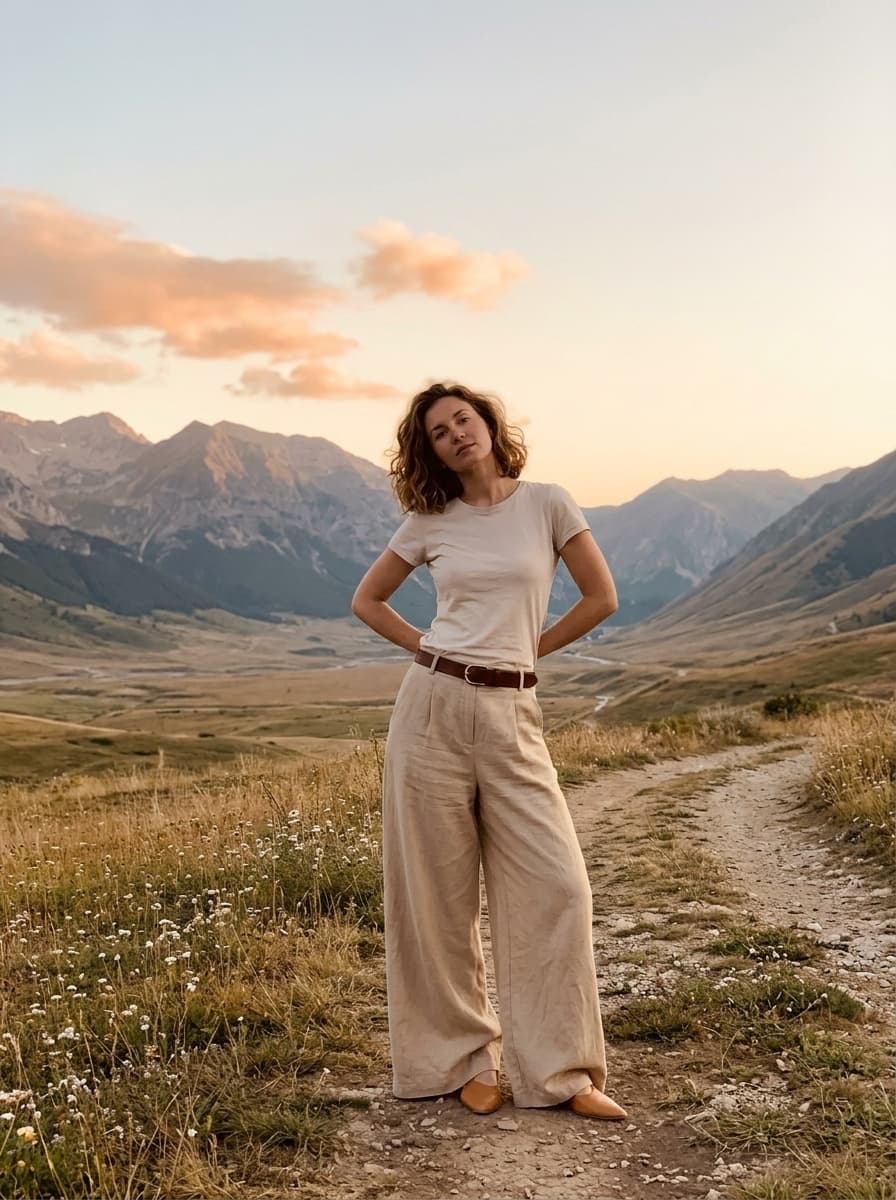
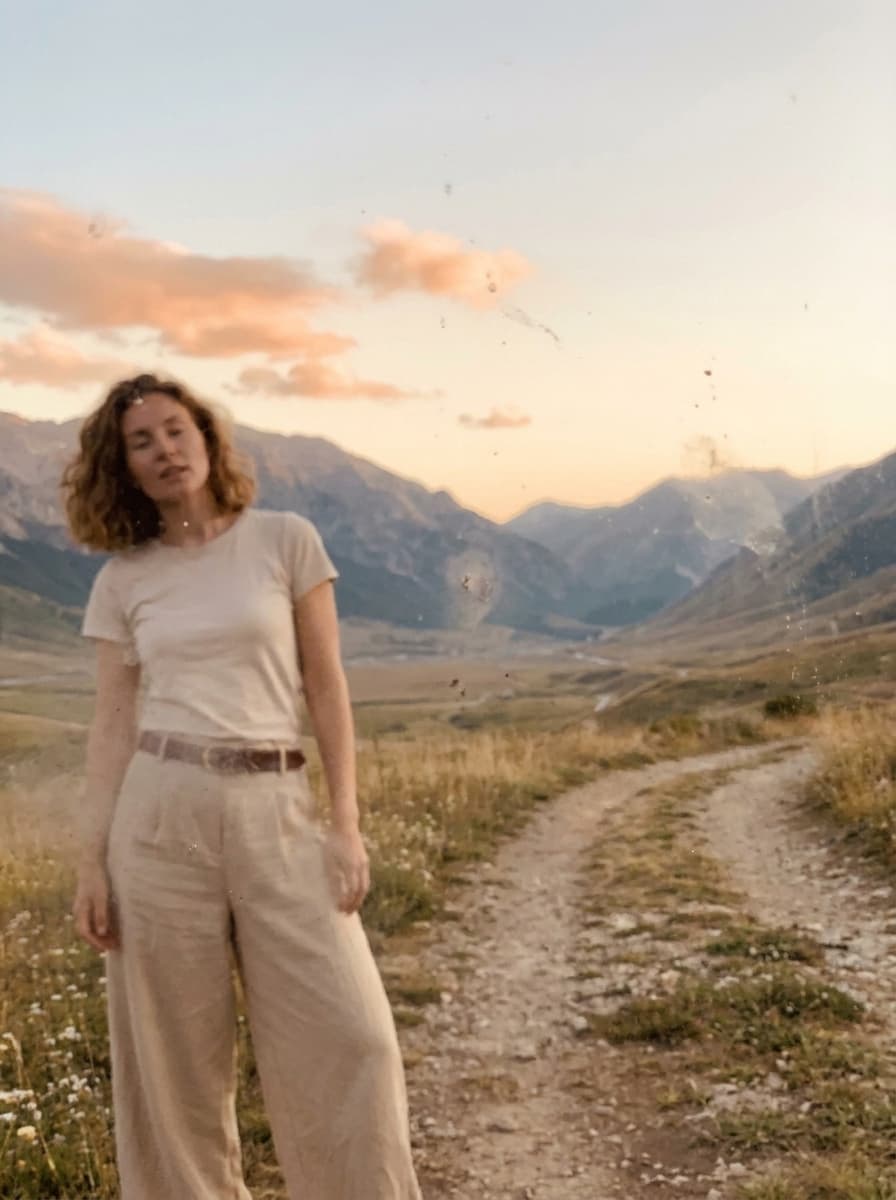
“I used to delete every photo he took. Now I actually post them.”
— Sarah, London
Plan the photos you both want before reaching the viewpoint, so no one gets frustrated.
Choose a pose and hand your phone to a stranger with the exact guide ready on screen.
Pick a visual arrangement instead of directing everyone one person at a time.
Save natural pose ideas for date nights, events, and casual weekend outings.
Inspiration apps can show you what a photo should look like. Unpose helps you reproduce it while the camera is open. The guide stays visible as you frame the subject, so the idea and the shot are in the same place.
Unpose is a pose-guide camera app for taking better travel, couple, solo, and group photos. It places a visual pose over the live camera preview so the photographer and subject can align the shot before taking it.
Choose a pose and open it in the Unpose camera. The guide appears over the live view while you frame the subject. When the pose and scene line up, take the photo as usual.
No. The guide helps you compose the shot in the camera interface and is not burned into the photo saved to your device library.
Yes. Choose a suitable image from your photo library and Unpose will remove its background to create a custom pose overlay. You can reposition, resize, flip, and adjust it in the camera.
No. Unpose is designed to reduce guesswork for everyday photographers. The visual guide helps with posing and framing, while optional camera tools such as the grid and level help refine the shot.
Yes, Unpose is available for iOS on the App Store. Use the store links on this page to download it.
Unpose is free to download. Eligible plans may include a free trial, and any current trial terms and subscription price are shown before purchase in the app. Availability and pricing can vary by store and region.